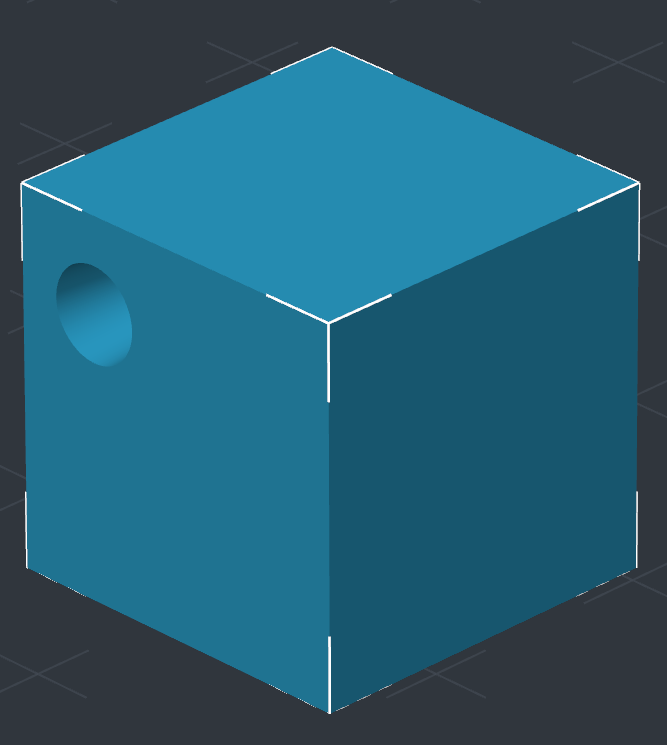
Align to Face Gizmo
Seat one object flush against a chosen face of another, in two clicks.
Select the object that should stay put and open the Align to Face gizmo. Click the face on the other object that should sit against it, then click the receiving face on the selected object. The first object rotates so the two faces oppose each other and moves flush.
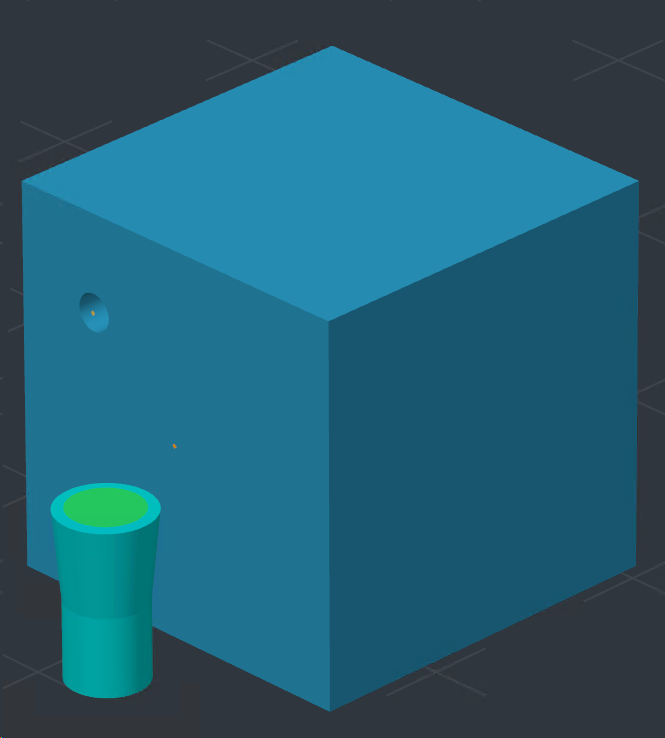
Face Selection
The gizmo prompts for each click in turn: the face to align, then the target face. Any flat face works, including the alignment box the Relief gizmo adds to its objects.

With Boolean Operations
Align a cutter to a face, then subtract it, and you have a cutout or an inset without a trip back to CAD.