Full Lighting and Supersampling
Shadows, ambient occlusion and physically based shading in both Prepare and Preview, with supersampling up to 2x. Toolpaths cast and receive shadows.
Lighting quality lives under Preferences > Performance. Auto picks Basic or Enhanced for your GPU. Full is the one you have to choose yourself: cast shadows, ambient occlusion and physically based shading, in Prepare and in the Preview. Toolpaths cast shadows on each other, so a sliced print reads as a solid object instead of a flat silhouette. Changing the level takes effect right away, no restart.
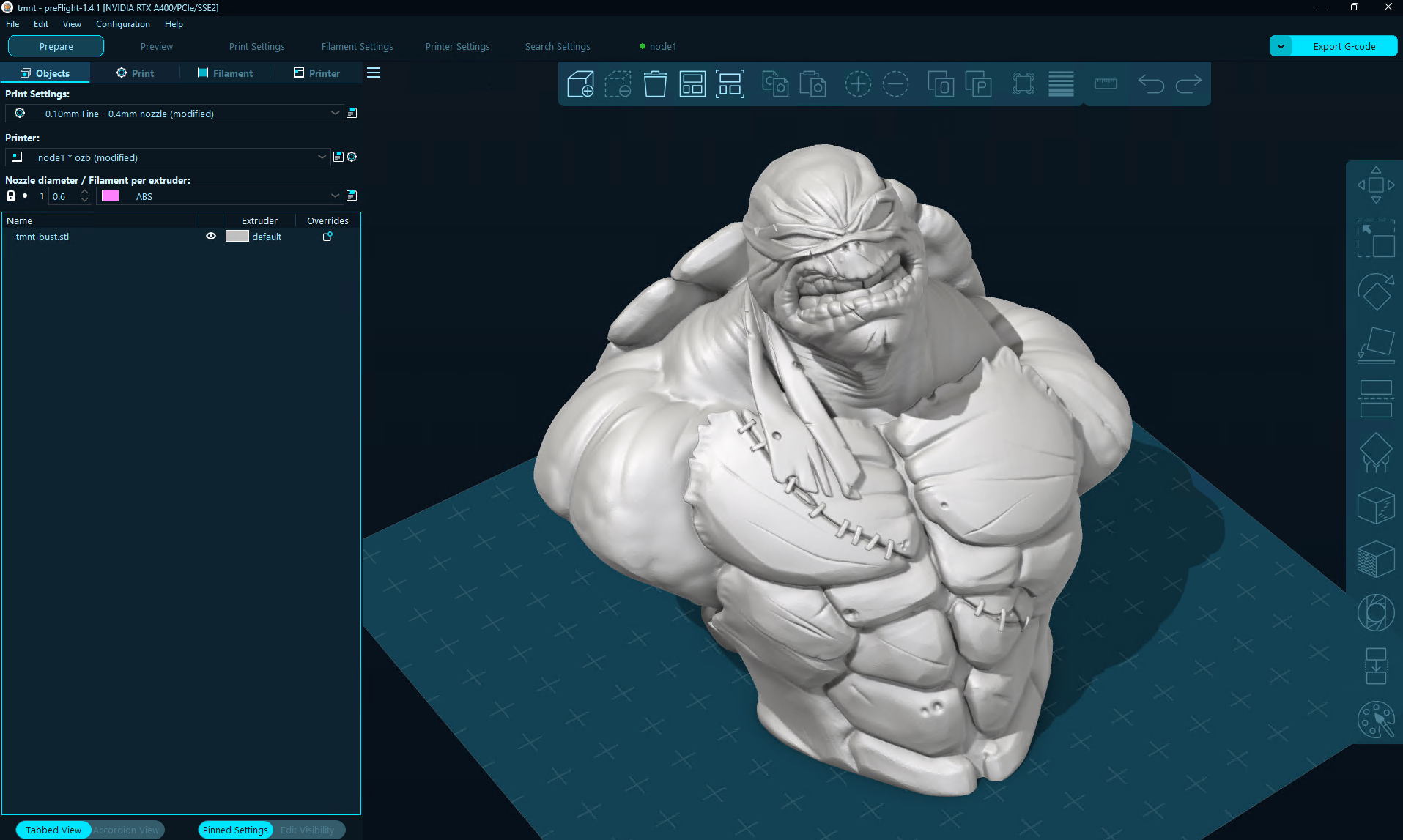
Prepare, Full lighting with 2x supersampling. Click for full size.
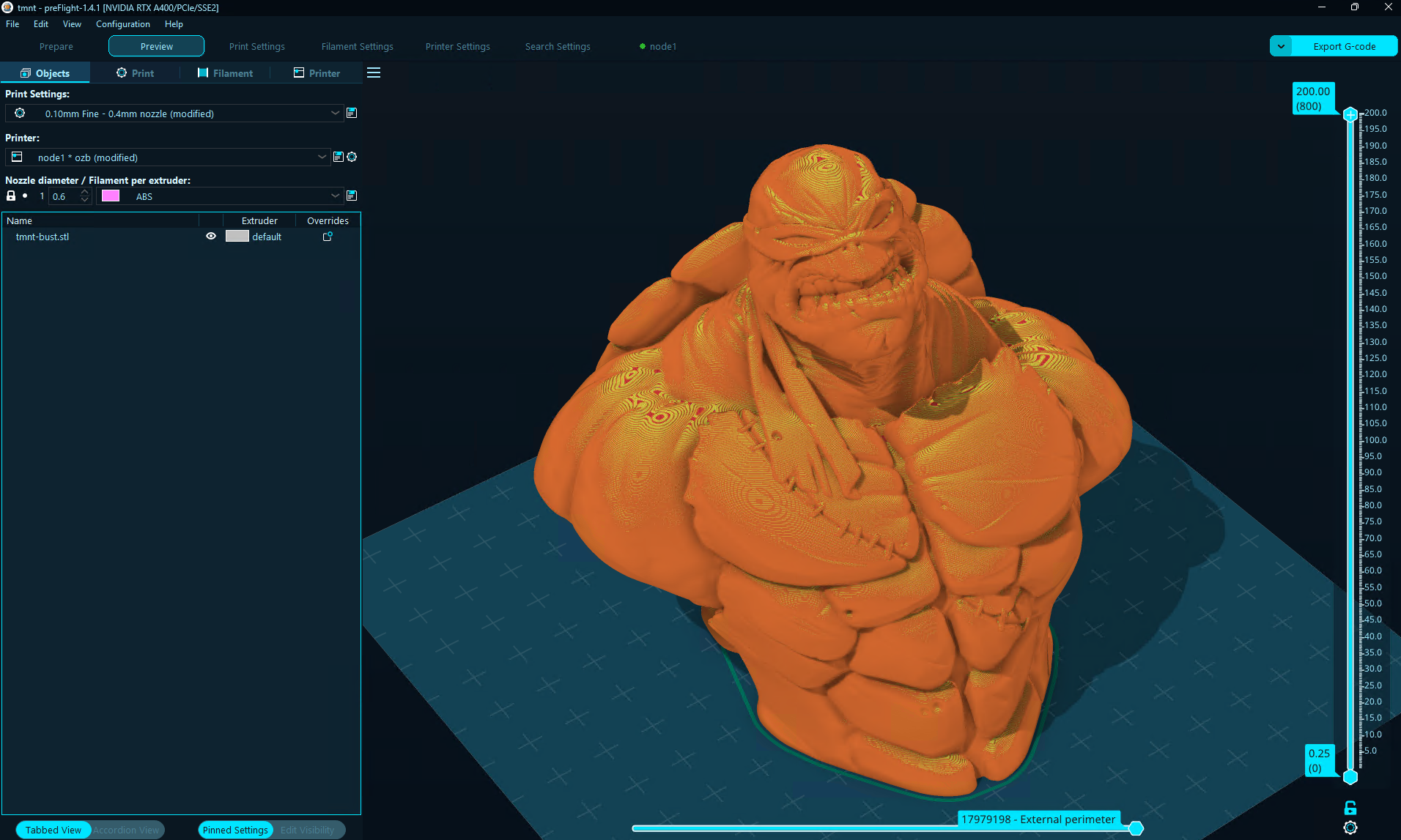
Preview of the same model, about 18 million segments. Click for full size.
Supersampling
Supersampling draws the scene at 1.5x or 2x the window size and scales it down. Edges stop shimmering and the gaps between beads in a dense preview stop breaking up into noise. It applies without a restart, so there is no cost to trying it. If you have a decent GPU, set it to 2x, turn lighting up to Full, and leave them there.
One more thing in the same panel: Smooth layer lines. Zoomed out, the layer lines of a print are closer together than the pixels on your screen, and the two grids interfere. The result is a moire pattern that swims around as you move the camera. Smooth layer lines filters it out. It is on by default, and we left it switchable because someone, somewhere, will want the raw pixels.
MSAA still applies when supersampling is off. With supersampling on, the supersampled scene replaces it. If your display cannot do the MSAA level you picked, preFlight steps down to the highest one it can rather than turning MSAA off.
What It Costs
Full with 2x supersampling is the most expensive thing the renderer does. Ambient occlusion is soft by nature, so it and the depth and normal buffers it reads are computed once at screen size whether supersampling is on or not, which is most of what keeps the combination affordable. The color passes are what get supersampled. An Apple M4 on a 4K display draws a frame in 29 ms with everything on.
If the renderer crashes a session, preFlight starts the next one a notch lower: Full drops to Enhanced, supersampling turns off and MSAA returns to Auto. A second crash goes to Basic with MSAA off. A notification lists what changed.