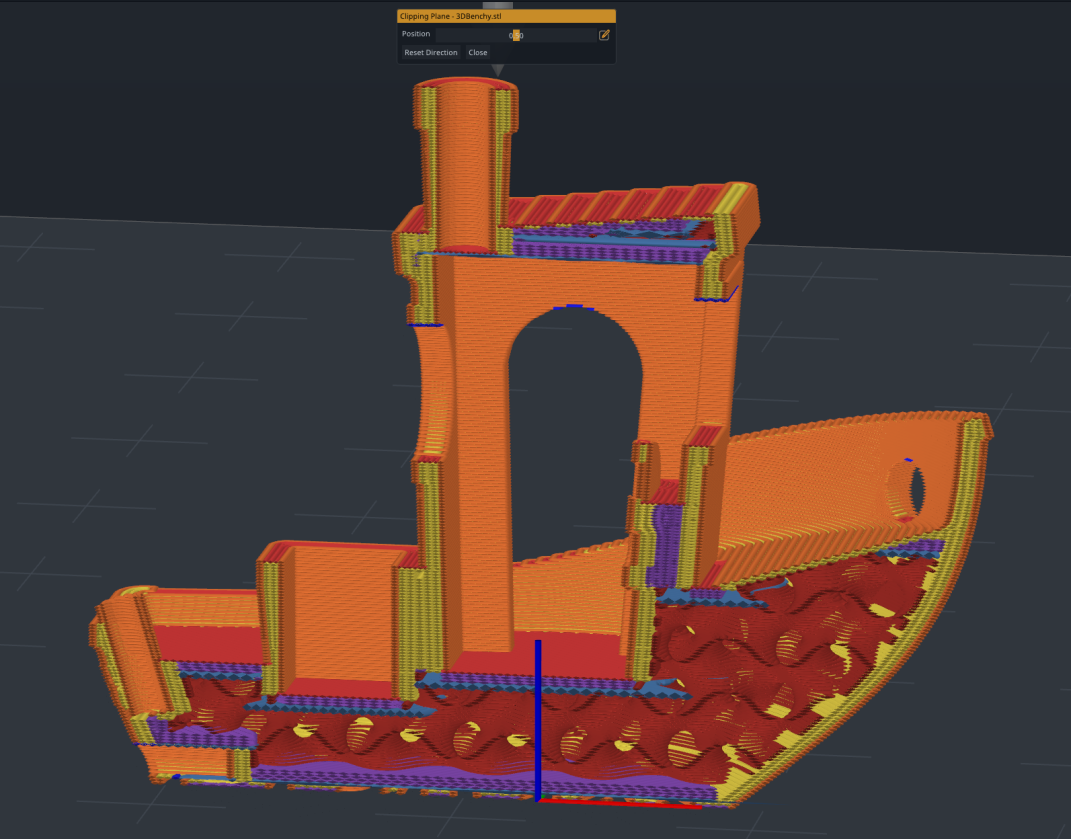
Preview Clipping Plane
See inside your sliced objects with a cross-sectional clipping view, right from the Preview.
Right-click any object in the Preview and choose Clipping Plane to cut it open and look at the toolpaths inside: infill, walls, supports and the bridges between them. The view centers on the object, and a slider moves the plane through it.